
Integration guides
Telegram bot automation: alerts with an accountable owner
Plan a Telegram bot for internal alerts, including audience, token handling and action checks.
By AutomateHQ · Updated · 2 min read
Before you start
Use a Telegram bot for a defined alert or interaction, with a controlled destination and a named owner. Keep the bot token private and verify who is allowed to trigger actions.
- 01Define the task
- 02Connect safely
- 03Test exceptions
- 04Assign an owner
Choose the bot destination and audience
Telegram's bot documentation explains bot creation and how bots interact with users and groups. Decide whether the bot needs a private chat or a group and review its access before adding it.
A chat identifier tells the workflow where to send; it does not establish that every member should see the information. Confirm the audience and avoid putting customer records into operational alerts.
Link alerts to records that need review
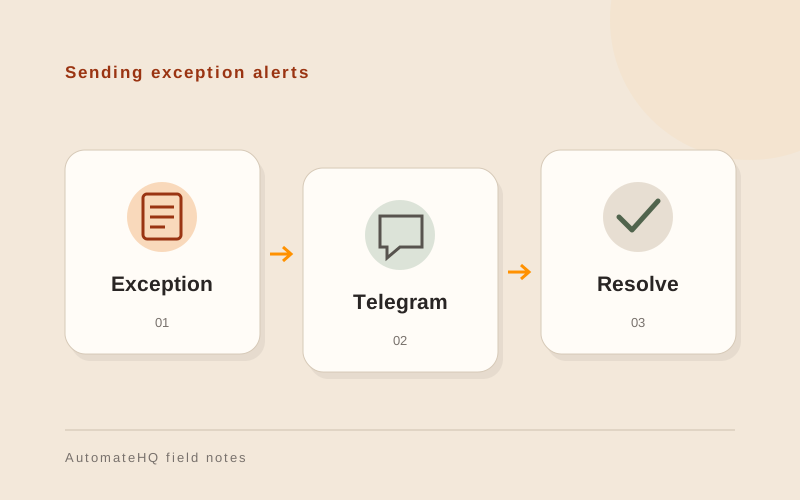
An exception alert might say that a document needs review and link to the protected source system. The source system should still hold the authoritative status.
If the bot offers an approval action, bind it to a specific request and an authorised person. A forwarded message or an old button should not be enough to approve current work.
Test removed access and old buttons
Test a bot removed from its destination, invalid credentials, a repeated event and a closed request. Confirm how the owner sees failed alerts.
Use a separate test destination before live operation. Check that a person can stop or revoke the bot without losing the list of unresolved business tasks.
Plan for a bot losing access
Record the destination chat and the person responsible for it. If the bot is removed, unresolved tasks must remain visible in the source system.
Keep credentials in protected connection settings. Give the owner instructions for revoking access and reconnecting the bot without repeating old alerts.